
Why Rule Conflicts Occur
As websites evolve over years of redesigns, CMS updates, and multi-team marketing initiatives, robots.txt files frequently become bloated. Different teams add overlapping directives, resulting in conflicting rules where one line appears to allow access while another appears to block it.
Consider this real-world example from an eCommerce website:
User-agent: *
Disallow: /collections/
Allow: /collections/summer-sale/
Disallow: /collections/summer-sale/*.pdf$
Allow: /collections/summer-sale/catalog.pdf
When Googlebot requests /collections/summer-sale/catalog.pdf, three separate directives match the path. How does a search crawler decide which rule wins? Under RFC 9309, crawler behavior is completely deterministic.
The 4-Step Conflict Resolution Algorithm
Step 1: Determine Crawler Group Ownership
Crawlers never evaluate directives across different groups. If you define a dedicated User-agent: Googlebot group, Googlebot ignores all rules in User-agent: *. Conflicts can only occur within the applicable group for that crawler.
Step 2: Filter All Matching Rules
The parser scans all directives in the active group and identifies every line whose pattern matches the requested URL path.
Step 3: Compare Octet Lengths (Longest Match Wins)
Under RFC 9309 Section 2.2.2, the rule with the greatest number of matching characters (octets) takes precedence. Line position in the file is irrelevant.
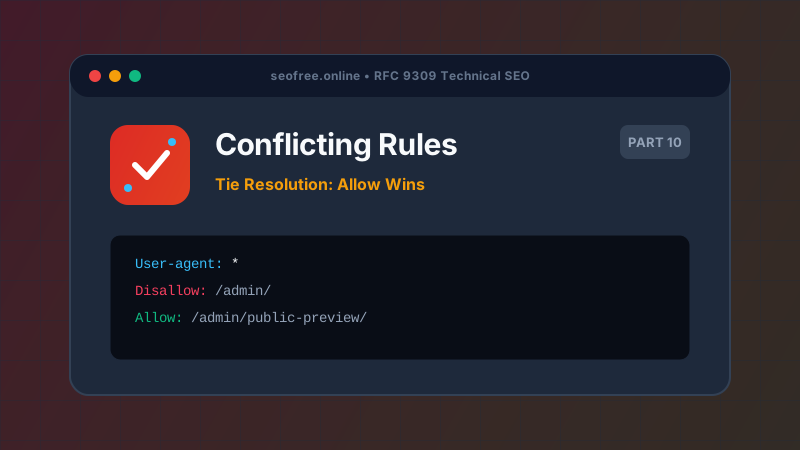
Step 4: Execute the Tie-Breaker (Allow Beats Disallow)
If two conflicting directives match the exact same path and possess the identical octet length, the Allow rule wins:
# Equal Length Tie: Both patterns are 9 characters long
Disallow: /products
Allow: /products

# Result: /products is ALLOWED
Step-by-Step Resolution Walkthrough
Let’s resolve our eCommerce example for /collections/summer-sale/catalog.pdf:
Disallow: /collections/→ Length: 13 chars → Matches.Allow: /collections/summer-sale/→ Length: 25 chars → Matches.Disallow: /collections/summer-sale/*.pdf$→ Length: 31 chars → Matches.Allow: /collections/summer-sale/catalog.pdf→ Length: 36 chars → Matches.
The winning rule is Allow: /collections/summer-sale/catalog.pdf because at 36 characters, it has the greatest octet length. The file is ALLOWED.
Best Practices to Avoid Conflicts
- Keep Directives Minimal: Only block what genuinely needs blocking (e.g., checkout flows, admin areas, infinite parameter loops).
- Group by Directory Hierarchy: Structure rules logically from broad parent directories down to specific exception files.
- Audit with Bulk Diagnostics: Run your rules through our Bulk Robots.txt Tester to immediately identify winning rules and line numbers for all your critical URLs.
Frequently Asked Questions
Does first rule win or last rule win in robots.txt?
Neither! Under modern RFC 9309 standards, the longest rule wins. Rule position in the file has zero impact on precedence.
What if I have conflicting User-agent lines for the same crawler?
If multiple groups target the exact same crawler token (e.g., two separate blocks for User-agent: Googlebot), RFC 9309 mandates that the parser merges all rules from both blocks into a single combined set.
Why did older tools give different conflict results?
Prior to RFC 9309 in 2022, search engines used proprietary heuristics. Google favored longest match, while older crawlers sometimes used first-match logic. Today, all compliant crawlers follow RFC 9309.