How to Fix Canonical URL Errors and Duplicate Content Issues
Duplicate content dilutes search rankings. Learn how to fix "Duplicate without user-selected canonical" and "Google chose different canonical" in Search Console.
Validate search crawler access for up to 100 URLs simultaneously using RFC 9309 rules, crawler selection, and CSV export.
A complete suite of precision, RFC standard-compliant utilities to audit, validate, and optimize your search engine visibility.
Validate up to 100 paths simultaneously against live or draft robots exclusion rules under RFC 9309.
Open Tool →Generate compliant robots.txt rules with presets for WordPress, Shopify, Next.js, and modern AI crawler blockers.
Open Tool →Build valid XML sitemaps adhering to the Sitemaps.org 0.9 schema with configurable priority and lastmod dates.
Open Tool →Inspect sitemaps for fatal XML parsing errors, unescaped entities, and Search Console submission compliance.
Open Tool →Create RFC 5646 compliant multi-language and regional hreflang tags with x-default fallbacks and XML export.
Open Tool →Generate high-CTR title tags, meta descriptions, and OpenGraph tags with live Google Desktop & Mobile SERP preview.
Open Tool →Measure 1-word, 2-word, and 3-word phrase density to eliminate keyword stuffing and optimize natural keyword distribution.
Open Tool →Evaluate your URL crawl permissions with four straightforward steps under RFC 9309 rules.
Select Paste Mode to test local draft directives, or Live Fetch Mode to pull public robots.txt files directly from any live domain.
Enter up to 100 paths or full URLs. Our system deduplicates entries, handles URI encoding, and verifies path boundaries.
Choose your target user-agent (Googlebot, Bingbot, or custom) to trigger crawler-specific group matching and directive inheritance.
Inspect allowed and blocked statuses, filter by outcome, view the exact winning rule and line number, and export data.
Discover the rigorous standards and safety safeguards powering our bulk evaluation engine.
Built strictly upon the official IETF RFC 9309 specification, evaluating directive specificity by octet length and resolving ties in favor of Allow.
Test an entire URL inventory, faceted navigation structure, or staging path list in a single click with instant per-URL status breakdowns.
Evaluate permissions specifically for Googlebot, Googlebot-Image, Bingbot, generic wildcard (*), or custom user-agent product tokens.
Paste unpublished robots.txt rules, test changes safely before deploying to production, and verify that critical resources remain crawlable.
Instantly discover the exact line number, matched rule pattern, and explanatory reason dictating why a URL was allowed or blocked.
Export testing results to CSV with automated spreadsheet formula injection protection (=, +, -, @ escaping) for seamless reporting.
Review common robots.txt configurations for eCommerce faceted filters, admin scripts, and file types.
Allowing top-level categories while blocking unbounded query combinations and internal filter sessions.
Ensuring search engines can access essential CSS and JS files while blocking sensitive administrative scripts.
Crucial distinctions between crawl access, indexing directives, and search engine behavior.
Robots.txt directives manage crawler requests to your web server; they do NOT instruct search engines to remove pages from search results. Use the noindex meta tag or HTTP header to prevent indexing.
If a Disallow directive blocks Googlebot from crawling a URL, but other web pages link to it, Google may still index the bare URL without snippets or content analysis.
The Robots Exclusion Protocol is voluntary. Legitimate search engines adhere strictly to RFC 9309, but scrapers, email harvesters, and malicious bots will ignore your directives.
Robots.txt applies strictly to its specific protocol, hostname, and port. Directives on example.com have zero effect on blog.example.com or secure.example.com.
Answers to essential questions covering RFC 9309 rules, bulk validation, crawlers, and privacy.
A bulk robots.txt tester is a diagnostic tool that evaluates multiple URLs or paths simultaneously against a website’s robots exclusion rules. Rather than testing individual addresses one by one, our tool allows you to input up to 100 paths, select a specific search crawler (such as Googlebot or Bingbot), and instantly see whether each path is Allowed or Blocked, alongside the exact winning rule and line number.
RFC 9309 is the official standard published by the IETF in 2022 that formalizes the Robots Exclusion Protocol. Key rules include: grouping rules by User-agent, using the longest matching directive (by octet length) to determine the winning rule, breaking equal-length ties in favor of Allow, and supporting wildcards (*) and end anchors ($).
Under RFC 9309 Section 2.2.2, if an Allow directive and a Disallow directive match the identical URL with the exact same octet length, the Allow rule takes precedence. For example, if both "Allow: /product" and "Disallow: /product" match "/product", access is granted (ALLOWED).
No. Being allowed by robots.txt merely means search engine crawlers are permitted to request and download the page from your web server. Indexing depends on content quality, technical accessibility, canonical tags, noindex tags, mobile usability, and overall search algorithms.
If Googlebot is disallowed from crawling a URL, it cannot fetch the HTML to see a noindex tag or evaluate the page contents. However, if external websites or internal crawlable pages link to that URL, Google may index the URL based purely on anchor text and contextual link signals.
Paste Mode allows you to manually paste or write robots.txt rules, making it ideal for testing drafts, staging updates, or experimental directives before deploying them. Live Fetch Mode pulls the live robots.txt directly from any public website URL through our secure backend for real-time diagnostics.
No. The tester operates within an isolated sandbox. Editing rules in the buffer allows you to simulate changes and observe immediate results, but it does not alter your server’s actual robots.txt file.
The asterisk (*) matches zero or more arbitrary characters anywhere in a path. The dollar sign ($) anchors the match to the exact end of the path or query string. For instance, "Disallow: /*.pdf$" blocks all URLs ending in .pdf, but allows "/document.pdf?version=2".
Robots.txt files can define dedicated directive groups for specific crawlers. When you select Googlebot, the tester searches specifically for "User-agent: googlebot". If found, only rules in that group apply. If no specific group exists, it falls back to the wildcard group ("User-agent: *").
An empty "Disallow:" directive (with no path specified) acts as a reset, indicating that nothing is disallowed for that user-agent group (effectively allowing everything). An empty "Allow:" directive is ignored per standard parsing rules.
No. The "Sitemap: [URL]" directive is purely informational, providing search engines with the location of your XML sitemap. It does not grant or revoke crawl access to any URL.
No. Robots.txt directives apply strictly to the specific protocol, host, and port where the file is hosted. Directives at https://example.com/robots.txt do not govern https://subdomain.example.com or http://example.com.
Under RFC 9309, if robots.txt returns a 4xx client error (such as 404 Not Found), crawlers assume no restrictions exist and treat the entire website as ALLOWED. If the server returns a 5xx server error, crawlers treat the failure as temporary and delay crawling or treat access as BLOCKED to avoid overloading an unstable server.
When exporting test results, our tool sanitizes cell values. Any field beginning with characters that spreadsheet applications interpret as formula triggers (=, +, -, @, tab, or carriage return) is prepended with a single quote to prevent malicious formula execution in Excel or Google Sheets.
Yes. SEO Free does not store, record, or track your tested URL paths or pasted robots.txt directives in our database. Calculations are executed in memory during your active session.
In-depth guides covering platform implementations, AI bots, parameter tuning, and migration audits.
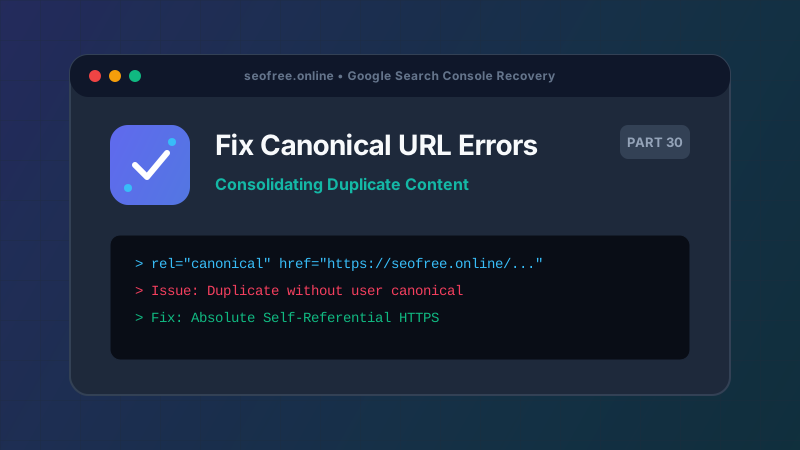
Duplicate content dilutes search rankings. Learn how to fix "Duplicate without user-selected canonical" and "Google chose different canonical" in Search Console.
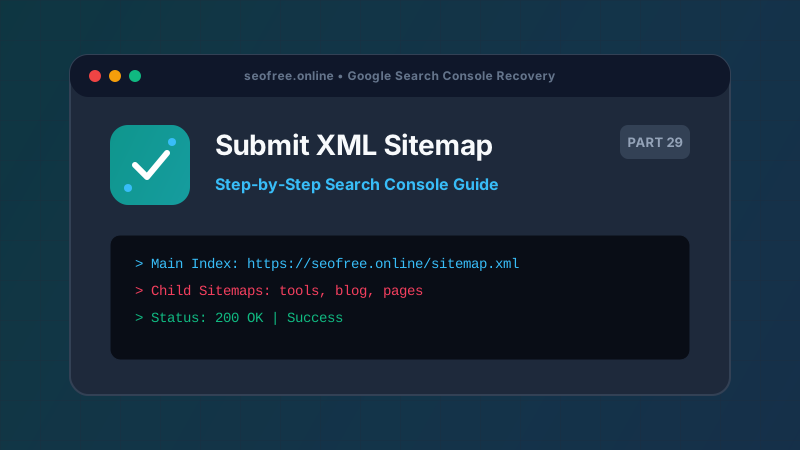
A complete step-by-step tutorial on generating valid XML sitemaps, verifying RFC-compliant syntax, and submitting sitemaps to Google Search Console.
Why does Google discover your URLs but refuse to crawl them? Understand crawl budget constraints, server response times, and how to trigger Googlebot crawling.
Learn what Google's "Crawled - currently not indexed" status really means, why Google chose not to index your page after crawling, and how to fix it.
Is Google Search Console showing zero organic clicks despite website traffic? Learn how to diagnose property verification, reporting delays, zero CTR, and impression gaps.
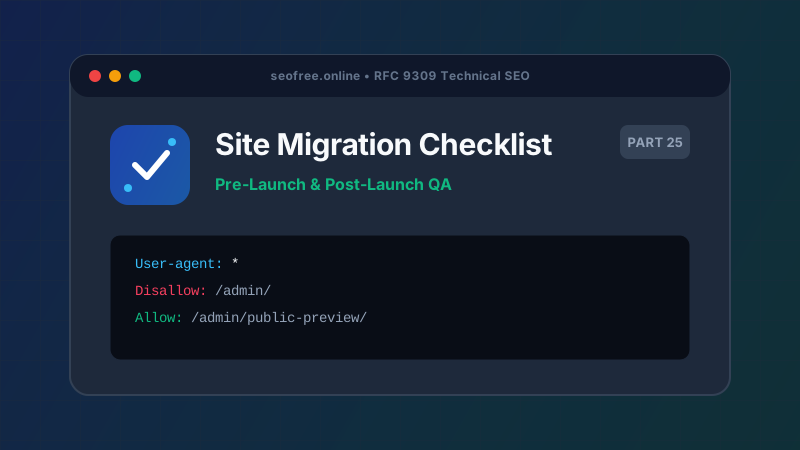
Avoid devastating post-migration traffic drops. Follow our comprehensive pre-launch and post-launch robots.txt QA checklist for migrations.