
The Danger of "Testing in Production"
In software engineering, nobody deploys database migrations or application code directly to production without testing in staging. Yet, all too often, marketing teams and technical SEOs edit live robots.txt files directly on production servers, crossing their fingers that no critical sections were accidentally blocked.
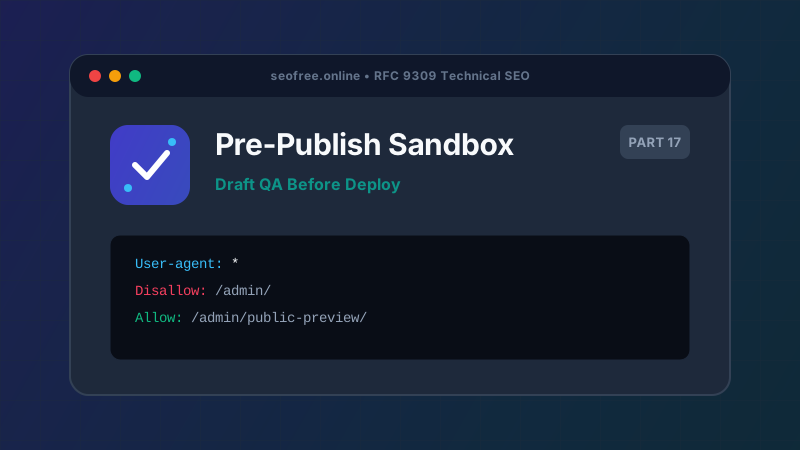
Search engines crawl websites continuously. A flawed directive live for just a few hours can disrupt scheduled crawls, cancel product indexations, and generate alarming Google Search Console alerts. Establishing a pre-release testing sandbox is mandatory for professional SEO operations.
Step-by-Step Pre-Release Testing Workflow
Step 1: Draft Your Changes in a Local Branch
Treat your robots.txt file as code. Store it in version control (Git) alongside your application code. Create a feature branch (e.g., git checkout -b feature/update-robots-rules) to stage your proposed additions.
Step 2: Collect a Representative URL Inventory
Assemble a comprehensive list of URLs representing all facets of your site’s architecture:
- Top 20 organic landing pages by traffic.
- New URL paths or templates being introduced.
- Paths you intend to block (e.g., private admin areas, internal filter parameters).
- Critical frontend static assets (CSS, JS, fonts).
- Existing canonical URLs that must remain crawlable.
Step 3: Execute Sandbox Testing with SEO Free
Use our Bulk Robots.txt Tester in Paste Mode:
- Enter your production website origin (e.g.,
https://example.com). - Paste your proposed draft robots.txt content into the editor.
- Paste your batch of up to 100 test URLs.
- Select your target crawler (e.g., Googlebot).
- Run the evaluation.
Step 4: Audit Edge Cases and Winning Directives
Review the results table. For every tested URL, verify:
- Decisive Rule: Did the rule you expected to win actually take precedence, or did a longer wildcard directive override it?
- Line Number: Ensure the matching line corresponds to your intended directive.
- Status Integrity: Confirm that no essential landing pages, sitemaps, or JavaScript files are marked as BLOCKED.
Step 5: Export Evidence and Deploy
Export the CSV report from the tester and attach it to your pull request or deployment ticket. This provides verifiable QA documentation for your engineering team. Once approved, merge the pull request and deploy to production.
Frequently Asked Questions
Can I test draft rules against Googlebot directly?
Google Search Console does not offer a public API to test draft robots.txt files in bulk. Our RFC 9309 compliant engine simulates the exact parsing algorithm Googlebot executes.
How long should I monitor search console after deploying?
Monitor Google Search Console’s "Crawl stats" and "Page Indexing" reports closely for 48 to 72 hours following any major robots.txt revision.
What if I discover an emergency block in production?
Immediately revert to your previous working robots.txt file, verify using our live fetch mode, and submit an expedited crawl request via Google Search Console.