
The Universal Location Rule
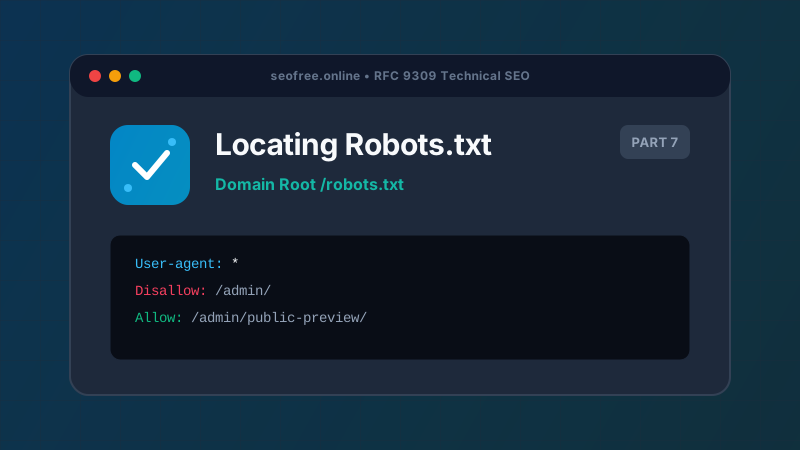
Under the standard defined in RFC 9309, automated search crawlers expect the robots exclusion file to be located at one exact, immutable path:
https://<domain-name>/robots.txtA robots.txt file placed in a subdirectory (such as https://example.com/site/robots.txt or https://example.com/blog/robots.txt) is completely invalid and will be ignored by all compliant search engines. Crawlers will not search for it, and any directives inside will have zero effect on crawl behavior.
How to View Robots.txt in Your Web Browser
Finding any public website’s robots.txt is straightforward:
- Open any modern browser (Chrome, Firefox, Safari, Edge).
- Type the target website’s base URL into the address bar.
- Append
/robots.txtto the end of the domain (e.g.,https://nytimes.com/robots.txtorhttps://shopify.com/robots.txt). - Press Enter. If configured, the browser will render the plain-text directives.
Alternatively, you can paste the website domain into our Bulk Robots.txt Tester under Live Fetch Mode. Our backend will retrieve the file securely, display HTTP status codes and timestamps, and allow you to immediately test URL permissions.
Subdomains and Protocol Variations
A crucial technical nuance is that robots.txt files are domain, protocol, and port specific:
https://example.com/robots.txtgoverns onlyhttps://example.com.https://blog.example.com/robots.txtgoverns only theblogsubdomain.http://example.com/robots.txtgoverns only unencrypted HTTP requests.
If your website operates multiple subdomains (e.g., shop.example.com, app.example.com, docs.example.com), each individual subdomain must host its own separate robots.txt file at its respective root.
Where Is Robots.txt Located in Common CMS Platforms?
| Platform | File Generation Method | Editing Location |
|---|---|---|
| WordPress | Virtual dynamic file generated on-the-fly via PHP | SEO Plugins (Yoast, Rank Math) or server root file |
| Shopify | Liquid template rendered at runtime | Theme code under templates/robots.txt.liquid |
| Next.js / Vercel | Static file or dynamic route handler | public/robots.txt or app/robots.ts |
| Apache / Nginx | Static plain-text document on filesystem | Document root directory (e.g., /var/www/html/robots.txt) |
What If a Website Has No Robots.txt?
If navigating to /robots.txt returns an HTTP 404 Not Found error, it does not mean the website is inaccessible. Under RFC 9309, if a website lacks a robots.txt file, search crawlers assume that full, unrestricted crawl access is granted to all public pages.
Frequently Asked Questions
Can robots.txt have a file extension other than .txt?
No. The file must strictly be named robots.txt in all lowercase. Files named robots.html, robots.TXT, or Robots.txt will not be recognized by crawlers.
Why do I get redirected when visiting /robots.txt?
Crawlers can follow redirects (e.g., from HTTP to HTTPS or non-www to www) to reach the final robots.txt file. However, standard redirects should be limited to 5 hops max.
Can I hide my robots.txt from public visitors?
No. If human visitors cannot access the file via a standard HTTP request, public search crawlers cannot access it either.